Local by default
Desktop app processing keeps originals, exports, and re-identification maps on the user's computer.
Make confidential PDFs, text files, and folders safe to share. The desktop app keeps originals, exports, and re-identification mappings on your computer.
The product story stays concrete: local processing, configurable PII, broad file support, batch workflows, and hybrid detection combining semantic models with deterministic rules.
Desktop app processing keeps originals, exports, and re-identification maps on the user's computer.
Customers choose when to download and install a full release from the private portal.
Start with PDFs, plain text, markdown, CSV, and office-derived files. Batch processing handles full folders.
Enable people, addresses, organizations, emails, phone numbers, dates, account numbers, custom labels, and rules.
A fine-tuned semantic detector finds contextual PII, while regex and custom rules catch deterministic identifiers.
Detection and review copy can be tuned for the user's document language and domain-specific vocabulary.
The web demo is for evaluation and sample documents. The desktop app is the privacy-preserving workflow for real confidential files because it processes locally.
Real app screens show the path from drop, scan, review, and export. This keeps the website grounded in the actual product instead of generic dashboard imagery.
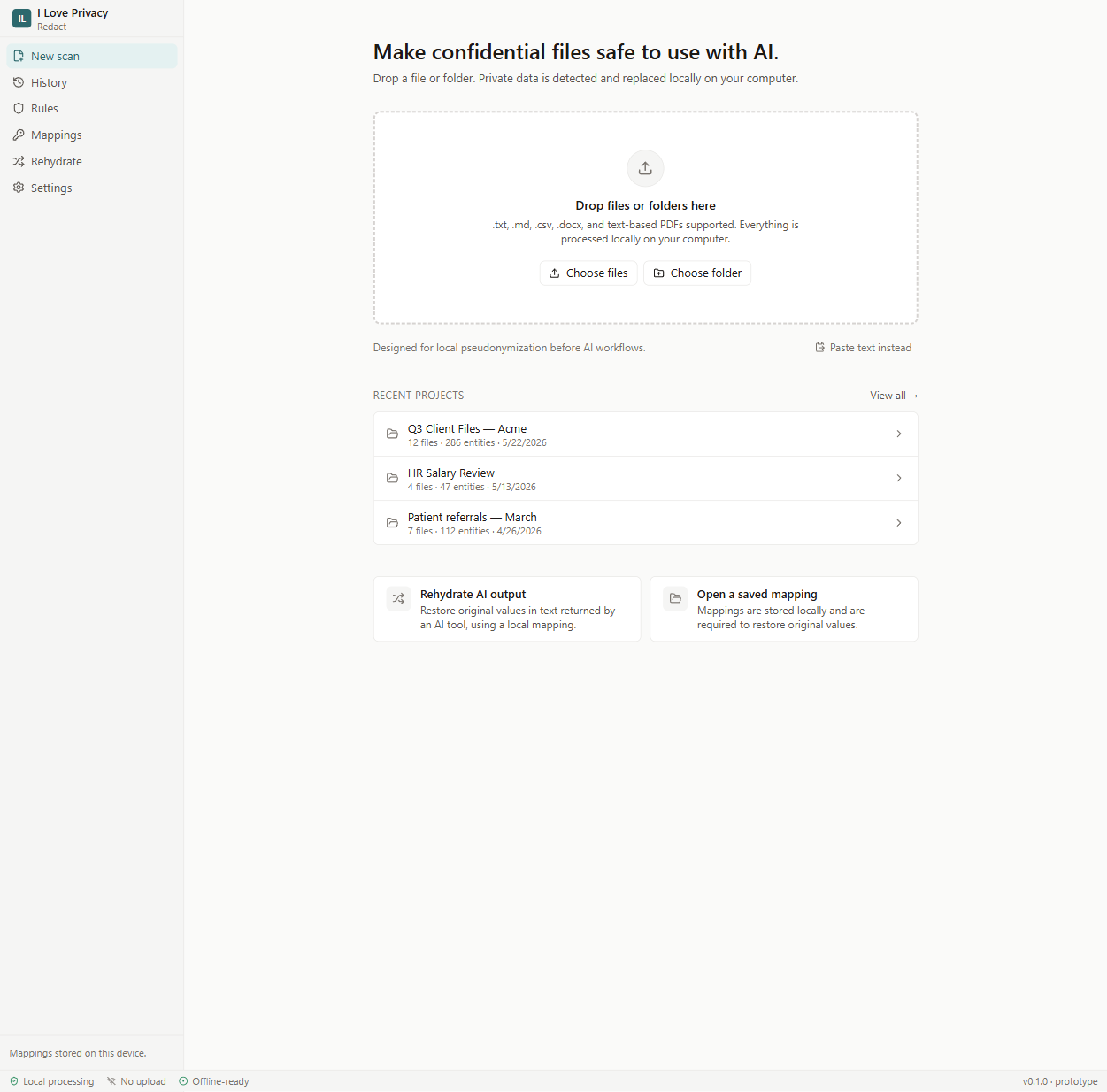
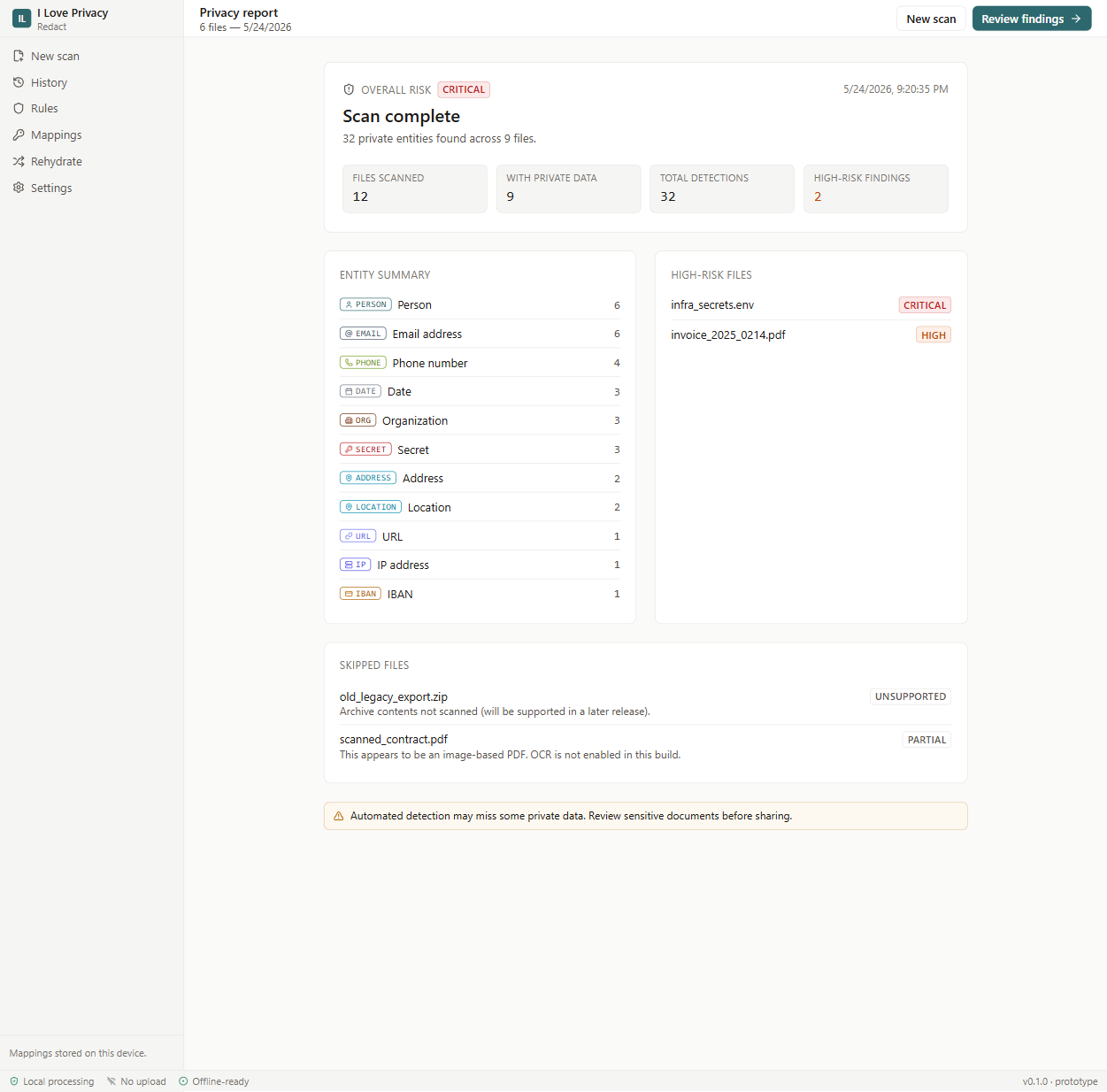
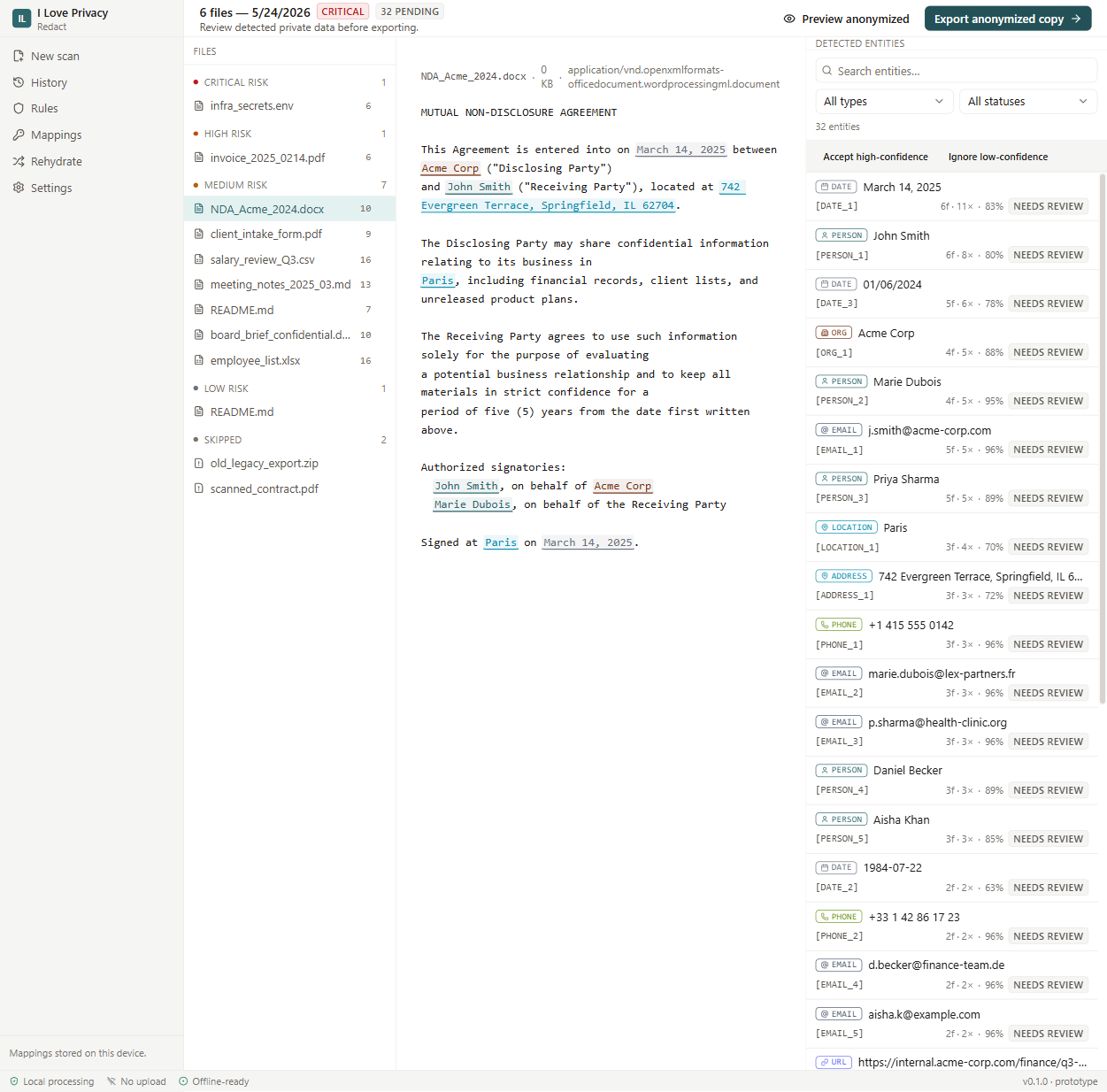
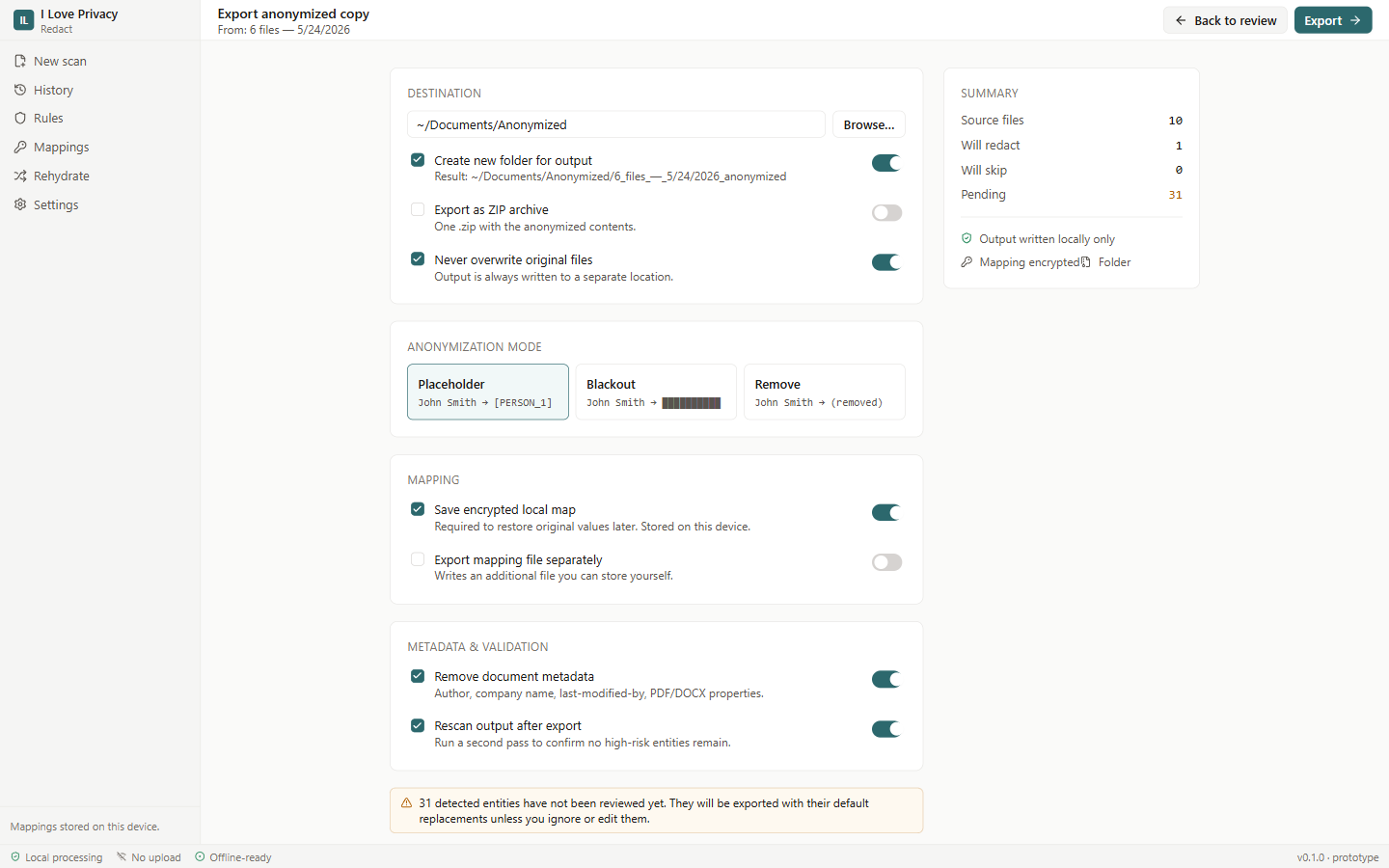
Visitors see the same surface they will use in the product. The local processing model appears before the workflow starts.
The desktop app does not download or install updates automatically. Customers use the portal for full installers, release notes, and previous stable versions.
Ask about supported files, local processing, demos, licensing, or release access.